AI Workflow Automation for SaaS: A Practical Step-by-Step Guide

SaaS teams have a unique problem: the product grows, the user base grows, and suddenly every process breaks at once. Support queues explode, onboarding becomes inconsistent, billing escalations slip through the cracks, and activation goals stall despite product improvements. These problems rarely result from bad talent—they stem from operational drag that eats time and attention.
This is where AI workflow automation shifts from buzzword to backbone. Instead of waiting for engineers or growth teams to build systems manually, modern platforms let SaaS operators launch workflows that classify users, route tickets, personalize onboarding, or protect revenue automatically. In plain terms, automation lets teams scale without hiring ten more people to babysit tasks.
This guide walks through what AI workflow automation actually means, why it matters for SaaS businesses, how to choose the right tools, and how to deploy real workflows that improve retention and revenue. The goal isn’t hype. It’s practical, repeatable execution.
Table of Contents
What AI Workflow Automation Actually Means for SaaS
Most operators are familiar with traditional workflow automation. It’s rule-based: when event A happens, trigger action B. It works for simple tasks like sending a welcome email on signup. The limitation is that these systems don’t understand context. They can’t tell a high-intent user from a casual one, and they can’t make decisions beyond predefined logic.
AI workflow automation adds intelligence. Tools combine event triggers with machine learning, natural language processing, and generative reasoning to classify, route, predict, draft, and personalize. The result is not just automation—it’s adaptive automation that behaves like an experienced operator.
How AI Workflow Automation Works
A modern AI workflow has three components working together:
- Triggers: events like user signup, payment failure, feature usage gaps, or support ticket creation.
- AI Logic: classification, scoring, sentiment analysis, predictions, or generative drafting.
- Actions: messages, CRM updates, Slack alerts, billing follow-ups, or dashboard tagging.
Picture a SaaS onboarding sequence. Traditional automation sends a static email to everyone. With AI workflow automation, users can be segmented into cohorts like “enterprise evaluator,” “casual hobbyist,” or “power user,” then routed into adaptive onboarding paths.
The outcome is faster time-to-value, better retention, and fewer manual interventions.
Why SaaS Teams Should Care (Beyond Efficiency)
Efficiency is nice, but SaaS economics depend on three metrics: acquisition cost, activation, and retention. AI workflow automation improves activation and retention without dragging CAC up, which makes it a lever on unit economics.
Here are the strategic benefits operators care about:
1. Faster Activation → Higher Retention
Most users churn because they never reach the “aha” moment. Automated onboarding sequences with intent-based personalization shorten time-to-value and reduce early churn.
2. Support Without Overhiring
AI triage and drafting handle first-touch support and route complex cases to the right team. This improves response time while preserving quality.
3. Richer Data Without Manual Tagging
Operators spend hours enriching CRM data. Automation can classify accounts, tag usage behavior, or enrich leads with zero human input.
4. Reliable Customer Experience
Users stop falling through the cracks. Follow-ups, expirations, and reminders happen consistently, not based on someone’s inbox state.
5. Protecting Revenue Automatically
Failed payments and expiring cards are silent churn problems. Automated billing workflows patch leaks before they become lost revenue.
These aren’t theoretical. They’re measurable. When onboarding accelerates and billing leakage drops, net revenue retention improves. That’s the north star of every SaaS CFO.
Common SaaS Workflows You Can Automate Right Now
The fastest way to understand value is to look at real automations that operators deploy daily. Here are five high-impact workflows.
User Onboarding & Activation
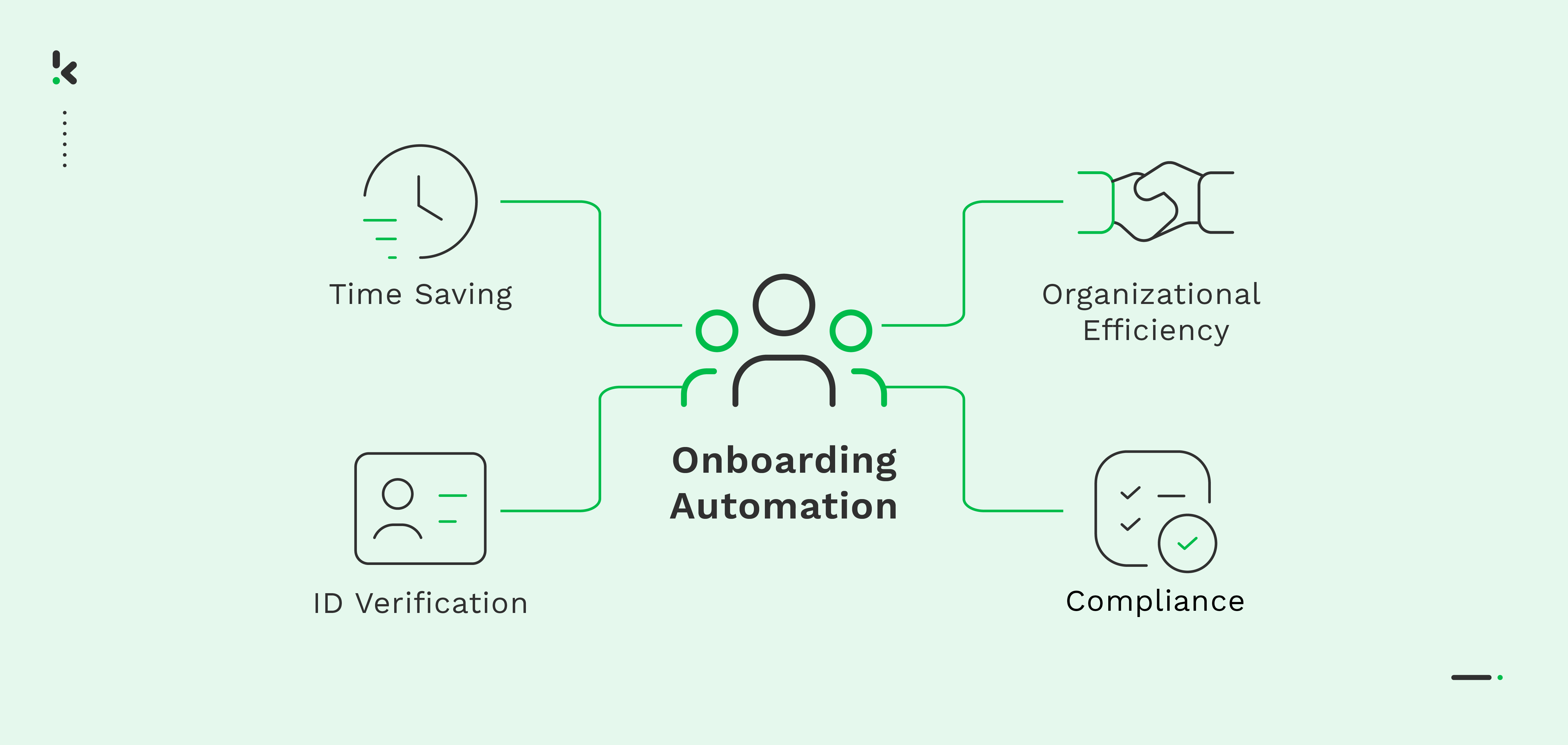
Trigger: new user signup event. AI classifies user persona from plan, role, or usage signals. Actions include tailored onboarding series, CS tasks, or in-app tours. The key is personalization over generic messaging.
Feature Adoption Nudges
Many products die because users never discover their best features. Triggers detect inactivity in key actions (e.g., “user hasn’t created first project in 48 hours”). AI identifies intent or friction and triggers a micro-guide or nudge.
Support Triage & Drafting
Incoming ticket → AI classifies topic, urgency, sentiment → draft reply generated → routed to the right queue. Humans approve instead of typing from scratch. This cuts handling time significantly.
Billing Escalation & Churn Recovery
Billing issues are predictable: card expiration, payment failure, disputed invoices. AI predicts churn risk and adapts follow-ups, escalating high-value customers to account managers.
Churn Prediction & Loyalty Plays
Usage dips are usually the first sign of churn. When a workflow identifies risk, actions include reactivation campaigns, CS outreach, or discount codes for win-back attempts.
Product analytics tells you what happened. AI workflow automation decides what to do about it.
How to Choose the Right AI Workflow Tools
The market is noisy. Some tools are “connectors,” some are “brains,” and some try to be both. Buying the wrong platform creates automation debt, so selection matters.
Evaluation Criteria That Matter
Use this lens when comparing tools:
- Integrations: Can it connect to CRM, analytics, billing, chat, and your data warehouse?
- AI Capabilities: Does it support classification, NLP, and generative tasks?
- Ease of Build: Can non-engineers ship workflows?
- Monitoring & Debugging: Can you trace failures?
- Security & Compliance: Does it handle customer data responsibly?
Tools like Zapier, Make, and n8n solve basic workflows. AI-native builders layer intelligence. Enterprise systems embed this deeper into CRMs or support suites. There’s no universal winner—only correct fit.
How to Build Your First AI Workflow
To make this actionable, let’s walk through a real SaaS automation: personalized onboarding.
Step 1: Define the Trigger
A signup event from your product sends user metadata. You can emit this via webhook or analytics pipeline.
Step 2: Classify User Persona With AI
Use NLP or structured prompts to categorize users by role, industry, plan, or intent. This forms the basis for adaptive onboarding.
Step 3: Branch Into Personalized Actions
Power users might receive advanced guides and Slack alerts. Casual users might get hand-holding tours and email drips. The goal is to reduce friction, not blast information.
Step 4: Close the Feedback Loop
Track events like “completed first workflow” or “invited teammate.” These signals update CRM and trigger follow-ups automatically.
Step 5: Test and Measure
A/B compare generic onboarding vs AI-personalized onboarding. Measure time-to-value, activation rate, and retention windows (D7, D14, D30).
Advanced Real-World Automations
Once the basics are running, operators tend to scale up into more predictive and revenue-layer workflows.
Support Triage With Drafting and Routing
This is a popular one for companies with heavy customer support demand. AI classifies tickets by topic and urgency, generates draft replies, and routes them. Humans review instead of typing from scratch.
Churn Prediction + Win-Back Sequences
Usage and billing patterns feed into lightweight churn models. When risk spikes, workflows automatically trigger emails, discounts, or CS outreach.
Automated Billing Protection
Payment failures trigger retries and messaging based on customer tier. Enterprise customers get account manager alerts. Self-serve users get automated links.
Key Takeaways
- AI workflow automation adds intelligence to standard automation.
- SaaS teams benefit through faster activation, better support, and revenue protection.
- Start small with onboarding and support, then scale into predictive workflows.
- Tool selection matters—prioritize integrations and observability.
- Measure outcomes with activation, retention, and revenue metrics, not just “efficiency.”
Common Mistakes to Avoid
- Over-Automating Too Early: Start with one measurable workflow before scaling.
- Ignoring Data Quality: Bad CRM data makes AI workflows brittle.
- No Human Oversight: Drafting is safe. Sending autonomously isn’t always.
- Skipping Observability: If you can’t debug a workflow, you can’t trust it.
- Forgetting Privacy: Ensure compliance when handling user-level data.
Action Steps / Quick Wins
- Pick one workflow tied to activation or revenue.
- Instrument the event that triggers your workflow.
- Classify users with minimal AI logic first.
- Branch into simple personalized paths.
- Measure impact with analytics before scaling.
Examples / Templates / Use Cases
Here are common SaaS automations that serve as templates:
- User onboarding: persona-based flows with nudges.
- Support: classification, routing, drafting.
- Billing: retries, reminders, and escalation.
- Churn risk: predictive triggers and win-back offers.
- Sales ops: automated enrichment and lead scoring.
FAQs
How is AI workflow automation different from normal automation?
AI adds understanding. Instead of rigid “if X then Y,” workflows can classify intent, analyze sentiment, personalize messaging, and make contextual decisions. This makes automation adaptive rather than mechanical.
Do I need engineers to build AI workflows?
Not always. Many platforms offer no-code builders. Engineering becomes useful for data plumbing and webhooks, but product or ops teams can run day-to-day automation.
Which workflows should I automate first?
Start with high-volume, repetitive, high-impact workflows such as onboarding, support triage, and billing reminders. These provide fast wins and measurable outcomes.
How do I measure ROI?
Track activation rates, retention improvements, time saved, and revenue protected. The most meaningful ROI metrics are NRR, churn reduction, and time-to-value.
Will automation break as we grow?
It can if not monitored. Good platforms include observability so you can diagnose failures when events or APIs change.
Is this secure for customer data?
Security depends on the platform. Choose vendors that support encryption, SSO, audit logs, and compliance frameworks appropriate for your market.
Conclusion
AI workflow automation is no longer a luxury for giant enterprises. It’s a practical operating system for SaaS teams that want to scale without drowning in manual tasks. The playbook is simple: start with one workflow tied to activation or revenue, instrument triggers properly, add intelligence with light AI logic, and measure outcomes rigorously. Each incremental improvement compounds into better user experience, higher retention, and healthier unit economics.
The best time to automate was when your support queue first exploded. The second-best time is this week.
-Turbocharge Your Workflow
Try our free AI-powered tools to automate your daily tasks.


